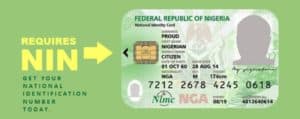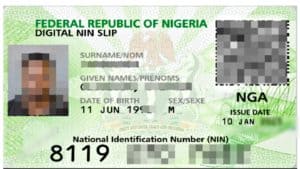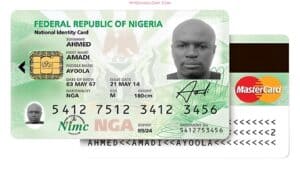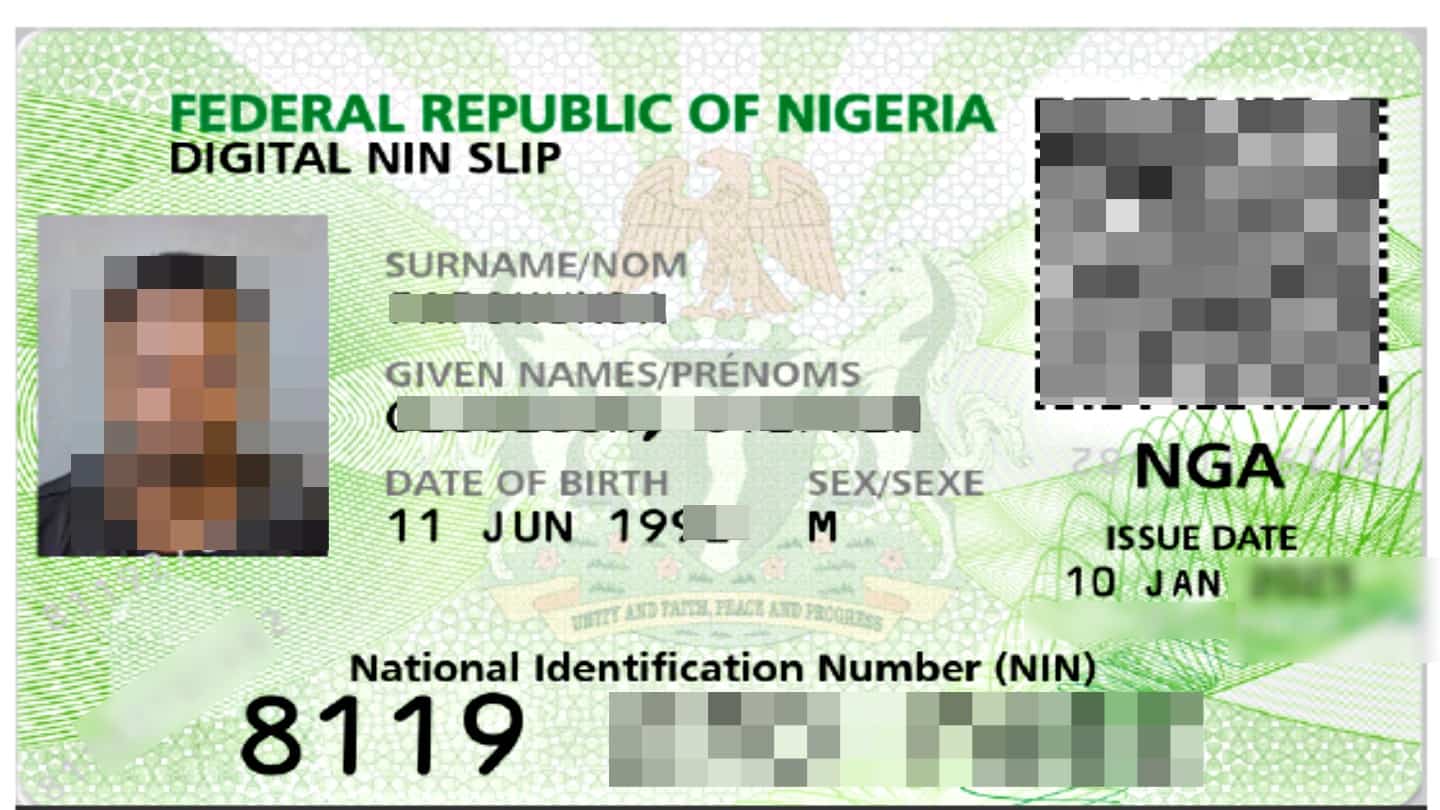
As you navigate the complexities of identity verification in Nigeria, understanding how to generate a Virtual National Identity Number (VNIN) is crucial. A VNIN is a tokenized version of your actual National Identity Number (NIN), designed to protect your data privacy. It consists of a unique set of 16 alphanumeric characters and expires 72 hours after generation.
Why Opt for a VNIN?
The VNIN offers several benefits, particularly in terms of data privacy:
- Enhanced Data Privacy: Your actual NIN is safeguarded from unauthorized access.
- Encrypted Token: The VNIN is encrypted, making it impossible to trace back to your NIN.
- Exclusive Issuance: Only you, as the NIN holder, can generate this token.
- Time-bound Validity: VNINs expire after a pre-set period, enhancing security.
- Merchant-specific Usage: A VNIN generated for one entity cannot be used by another, ensuring that each token is unique to the transaction.
How to Generate a VNIN via USSD
Generating a VNIN through USSD is a straightforward process, requiring just your phone and the enterprise's short code:
- Acquire the Enterprise Short Code: Obtain this from the organization requiring your VNIN.
- Dial the USSD Code: Use the format *346*3*Your NIN*EnterpriseCode#. Replace "Your NIN" with your actual NIN number and the "Enterprise shortcode" with the code provided by the organization.
- Receive Your VNIN: If successful, the VNIN code will appear on your screen. Copy it without leaving spaces.
Before you proceed, check, the Enterprise IDs for MTN, GLO, Airtel, 9mobile and Others.
Generating VNIN on the NIMC Mobile App
For a more digital approach, use the NIMC mobile app to generate your VNIN:
- Download and Launch the App: Available for Android and iOS devices.
- Log In: Enter your PIN on the lock screen.
- Select 'GET VIRTUAL NIN': Find this option in the home menu.
- Read the Data Privacy Agreement: Ensure you understand the terms.
- Start the Generation Process: Click the "+" button and choose "Type Enterprise's ID".
- Enter Enterprise ID: For example, Youverify's agent ID is 471335.
- Receive Your VNIN: The app will generate a VNIN specifically for the enterprise.
- Verification Notification: You will be informed once the enterprise completes the verification process.
Enterprise Shortcodes for Popular Companies in Nigeria
To facilitate your VNIN generation, here's a list of shortcodes for some commonly interacted enterprises:
- MTN: 109071
- Airtel: 121097
- GLOBACOM Limited: 547789
- NTEL: 132993
- 9Mobile: 970611
- Mainline Digitech Innovations: 696739 (WAEC uses this)
- JAMB: 004186
- LUNO: 0048395
- Nigeria Police Force (Interpol): 016058
- Nigeria Police Force (Forensic Unit): 126217
- Quidax: 0407776
- Opay: 0625027
- Branch International Financial Services: 0631361
- FRSC: 072211
- Stanbic IBTC Bank: 8752557
- VFS Global: 105291
- National Pension Commission: 113008
- Paxful: 1198927
- FIRS: 121125
- Ecobank: 1713150
- Etranzact: 206244
- SMILE Communication: 272289
- Nigeria Immigration Service: 291405
- Guaranty Trust Bank: 292968
- Zenith Bank: 3436648
- Fairmoney: 5625695
- Nigeria Airforce: 580163
- First Bank: 7159715
- United Bank of Africa: 847643
- Kuda: 8516761
- Access Bank: 9331361
In summary, generating a VNIN is an essential step in maintaining your data privacy and security in Nigeria. Whether through USSD or the NIMC app, the process is user-friendly, ensuring that your identity is verified safely and securely. Remember, safeguarding your personal information starts with you. Generate your VNIN today and take control of your data privacy.